


MikroTik RouterOS fixes target unauthenticated SSH takeovers
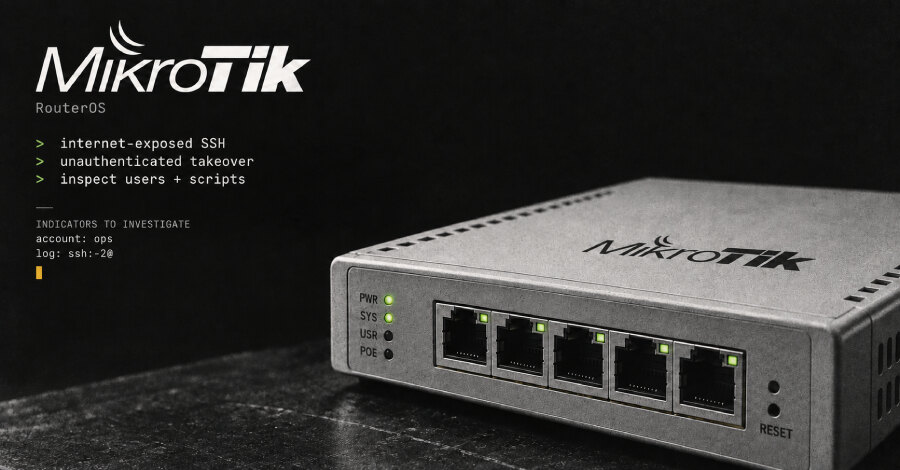
MikroTik router operators are being urged to install RouterOS security updates after CERT Polska warned that attackers are exploiting internet-exposed Secure Shell services to gain full administrative control without authentication. CERT said successful attacks date back to at least September 2, while its warning was published on September 5.
The reported affected versions are RouterOS 6.0.0 through versions below 6.49.21, RouterOS 7.0.0 through versions below 7.23.4, and RouterOS 7.24 through versions below 7.24.2. MikroTik lists 6.49.21, 7.23.4 and 7.24.2 as security fixes. For the long-term channel, operators should use 7.23.5, which retains the security update and addresses an IPv6 DHCP regression introduced in 7.23.4.
Exposed management services create the immediate risk
CERT Polska describes the observed two-flaw attack combination as MikroTrick. Its warning does not identify the two individual vulnerabilities in the chain or explain precisely how they combine to provide administrative control. Neither a victim count nor an attacker identity was available in the reviewed warning.
MikroTik says its default firewall rules block public access to management ports on home devices when those rules remain intact. The current attacks nevertheless make externally reachable management interfaces a priority for review, especially where firewall rules have been changed or devices are administered remotely.
Before an update can be deployed, CERT recommends disabling exposed services or restricting them to trusted management networks. It specifically identifies SSH, WWW/WWW-SSL and bandwidth-test. The agency also advises against initiating TLS connections or using RouterOS built-in SSH clients from an unpatched device. These measures are temporary restrictions rather than substitutes for installing the fixes.
Check for signs of an existing compromise
RouterOS can flag a device when startup checks detect suspicious configuration. In that state, it disables flagged entries and limits certain functions. After updating, administrators should inspect logs and run /system/device-mode/print to check the device status.
CERT recommends reviewing the configuration even if RouterOS does not display a warning. Unknown users, scripts and other unrecognised changes require investigation. Unexpected highly privileged ops accounts and account-creation log entries containing ssh:-2@ are additional indicators cited by CERT.
Preserve evidence before recovery
If logs, a warning or configuration review suggest a compromise, CERT advises isolating the router and preserving its logs and configuration before a reset. Administrators should not clear the Flagged status until evidence has been retained and analysis is complete.
The recovery path is to restore factory settings and rebuild from a trusted, verified configuration. A full backup from the potentially compromised router should not be restored blindly. Passwords, keys and other secrets used with the device should also be changed. For businesses, the practical priority is to patch from official RouterOS downloads, remove unnecessary public management access and treat suspicious configuration as an incident requiring evidence preservation and a clean rebuild.