


WordPress update process leaves a final exposure window for CVE-2026-119977
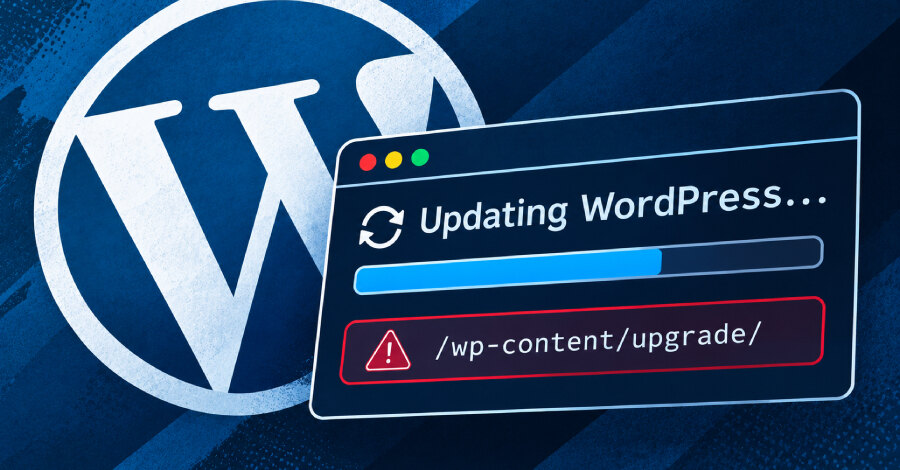
Some WordPress sites remain exposed to active exploitation while installing the fix for CVE-2026-119977, a vulnerability affecting WordPress versions 4.7 through 7.1.3. WordPress released fixes in version 7.1.4 and supported branch releases back to 4.7, but researcher Umut Bayram of Picus Security found that the old updater code can still create a reachable temporary installation during the update process.
The U.S. Cybersecurity and Infrastructure Security Agency has added CVE-2026-119977 to its Known Exploited Vulnerabilities catalog. Wordfence, which assigned the CVE, gave the issue a CVSS score of 8.1 and reported attack attempts beginning nine minutes after it deployed a firewall rule on the day of release.
Why the fix can leave one last opening
During a core update using a complete package, WordPress unpacks the incoming release beneath wp-content/upgrade. The package contains installer files, and that directory can normally be reached through the web server. If an unauthenticated attacker can identify the temporary folder and access its installer before WordPress removes the copy, they may execute code with the web server's permissions.
The 7.1.4 fix assigns the temporary directory a random name. However, the update that installs this protection begins with the updater already present on the site. On installations running version 5.9 or later, that older updater names the folder after the downloaded file, making the name predictable during the final vulnerable update.
The patched release prevents a malicious wp-config.php placed in the temporary copy from replacing the live configuration file, because the new code handles the final file-copy stage. Bayram said an attacker who reaches the temporary installation during the update may nevertheless configure it with a separate database, log in, run PHP code and then read or write files in the live site before the temporary copy is deleted.
Package choice and affected versions
Exposure is not identical for every update. Complete packages always include the installer files. Partial packages contain only files changed between two releases, so a temporary copy cannot run as a WordPress installation if the relevant installer files are absent. A partial package may not be selected even when one exists: WordPress can fall back to a complete package when core checksums do not match or when an update is a reinstall.
For versions 4.4 through 5.8, the old updater adds random characters to the directory name. That reduces predictability unless the name is disclosed through another route, such as an error message. WordPress 4.6 and earlier receive no security updates; Bayram said the underlying flaw dates to WordPress 2.7, so these installations should be moved to a supported version.
Steps to take before applying the update
Bayram's primary recommendation is to deny web-server access to wp-content/upgrade before updating. WordPress accesses the directory directly on disk, so this restriction does not prevent the updater from working. Administrators should confirm that requests to /wp-content/upgrade/ receive a 403 response before installing 7.1.4 or the fixed release for their branch.
- On Nginx, use location ^~ /wp-content/upgrade/ { deny all; }.
- On Apache virtual-host configuration, add Require all denied in a Directory block for that folder.
- If only .htaccess can be changed, place RedirectMatch 403 ^/wp-content/upgrade/ in the WordPress root above the rewrite rules.
An .htaccess file inside the upgrade directory is not a durable safeguard because the legacy updater clears that directory before unpacking the package. A manual update outside the web root is the other safe route: back up files and the database, unpack the release outside a web-served path, copy core files without replacing wp-config.php or wp-content, and then run the database update.
WP-CLI's wp core update command is not an alternative mitigation because it uses the same updater and temporary directory. For teams operating affected sites, the practical implication is to block browser access to the upgrade directory first, validate the block, apply the supported fixed release, and review any unexpected PHP files, requests or administrator accounts if the site remained unpatched after disclosure.